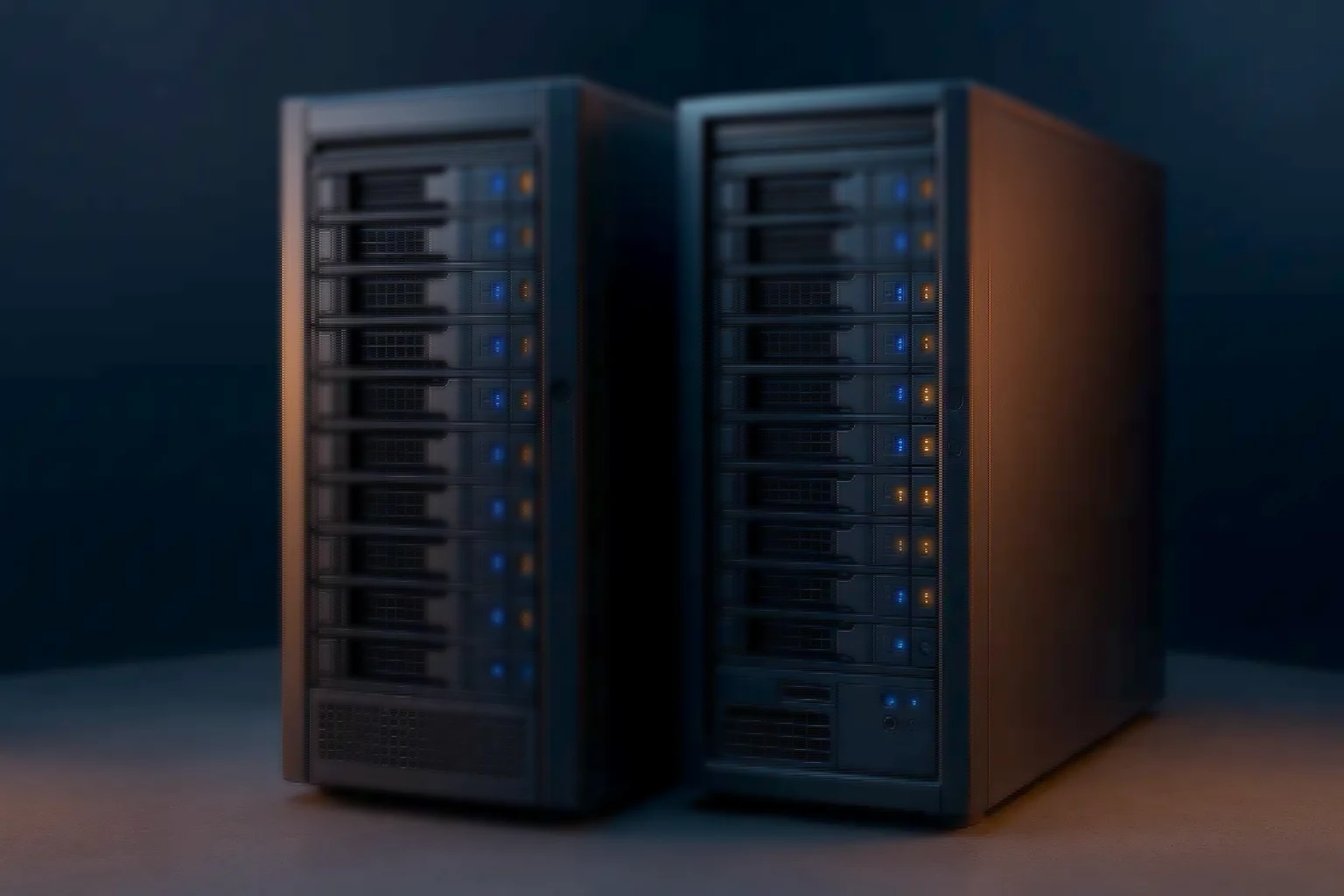
Servers · Tower Servers · Dual Socket
Dual socket tower servers
Dual Intel Xeon or AMD EPYC CPUs, 512GB+ DDR5 ECC, GPU support and NVMe storage in a quiet chassis — for virtualisation, databases, CAD and AI workloads without a rack.
- Dual Xeon or EPYC — Maximum core count
- 512GB+ DDR5 ECC — Expandable models
- GPU-ready — Workstation or data centre
- NVMe / U.2 — Performance tiers
- Quiet design — Office and lab
About the form factor
Data-centre compute in a chassis that fits in a lab
Dual socket tower servers are for organisations that need the highest levels of compute, memory bandwidth and expandability without requiring a rack. With dual Intel Xeon or AMD EPYC CPUs, they support hundreds of gigabytes of DDR5 ECC memory and multiple PCIe expansion options.
That makes them suited to virtualisation clusters, large databases, CAD and CAE, and AI and ML workloads — the jobs that would otherwise force a rack into a building that does not have one.
They bring data-centre-class compute into a quiet, acoustically optimised chassis suitable for office or lab use, which is frequently the deciding factor rather than the specification itself.
The platform
What the specification covers
Everything a rack server offers, in a chassis that can live in the room where the work happens.
- Intel Xeon Scalable or AMD EPYC CPUs, dual socket
- Up to 512GB and beyond of DDR5 ECC memory, with expandable models available
- Hot-swap 3.5" and 2.5" bays, with NVMe and U.2 high-performance storage
- Multiple PCIe Gen4 and Gen5 slots for GPUs, NICs, HBAs and accelerators
- Out-of-band management with IPMI or iBMC features
- Validated for virtualisation, AI and ML inference, CAD and engineering workloads
Feature highlights
Where the dual-socket platform earns the difference
- Massive compute — Dual socket Intel and AMD platforms delivering maximum core counts and memory bandwidth in a tower footprint.
- GPU capability — Workstation-class and data-centre GPUs for AI, CAD and CAE, or visualisation workloads.
- Scalable storage — Hot-swap bays with NVMe and U.2 options, so performance tiers can be mixed as the workload demands.
- Remote management — iBMC or IPMI with power control, sensor telemetry and media redirection.
- Enterprise-ready — Validated for virtualisation, AI and ML, and engineering workloads, in an office-friendly tower.
- Database capable — Memory bandwidth and NVMe tiers sized for large database and analytics workloads without moving to a rack.
Example configuration
Where a dual-socket tower usually starts
Models range from compact dual socket towers with 6 to 8 bays to high-end expandable towers supporting 8 to 12 bays and multiple GPUs. The build below is illustrative.
- Dual socket tower — base — Configuration: Xeon Scalable or EPYC · DDR5 ECC · GPU-capable. Notes: 8–12 bays for 3.5"/2.5" SATA, NVMe and U.2 storage options, PCIe slots for NICs and GPUs
Illustrative only. Pricing is on request and depends on the configuration actually specified.
Dual socket towers — FAQ
What buyers ask before specifying
- When should I choose dual socket? — Answer: For heavy workloads — virtualisation clusters, large databases, CAD and CAE, and AI or ML training and inference — where maximum cores and memory bandwidth are critical.
- How much memory can be installed? — Answer: Most dual socket towers support 512GB or more of DDR5 ECC; expandable variants go higher.
- Can GPUs be added? — Answer: Yes. These are GPU-ready with PCIe Gen4 and Gen5 slots, suitable for NVIDIA RTX and Quadro or data-centre GPUs.
- Are they quiet enough for offices? — Answer: Yes. Despite the compute, cooling and acoustics are tuned to keep them suitable for labs and offices.
- Which hypervisors are supported? — Answer: Proxmox VE, VMware ESXi, Hyper-V and XCP-ng are validated for deployment on dual socket towers.
At a glance
The dual-socket envelope
- Xeon Scalable or EPYC
- DDR5 ECC memory
- hot-swap bays
- PCIe for GPUs and NICs
Size it first
Work the numbers before you specify
The calculators run the same arithmetic our engineers do, so you can arrive with a starting configuration rather than a blank page.
- VM density & host sizing — Host count, memory and overcommit worked through before you specify a node.
- RAID capacity planner — Usable capacity, redundancy overhead and rebuild exposure across RAID levels.
- All sizing tools — Six calculators running the same arithmetic our engineers do.
Related range
Related platforms
Lighter, or racked.
- Single socket tower servers — Efficiency and lower cost for branch, SMB and edge workloads.
- 2U rack servers — The same compute in a rack, once the room has one.
- Tower GPU AI servers — One or two GPUs in a quiet chassis, on standard office mains.