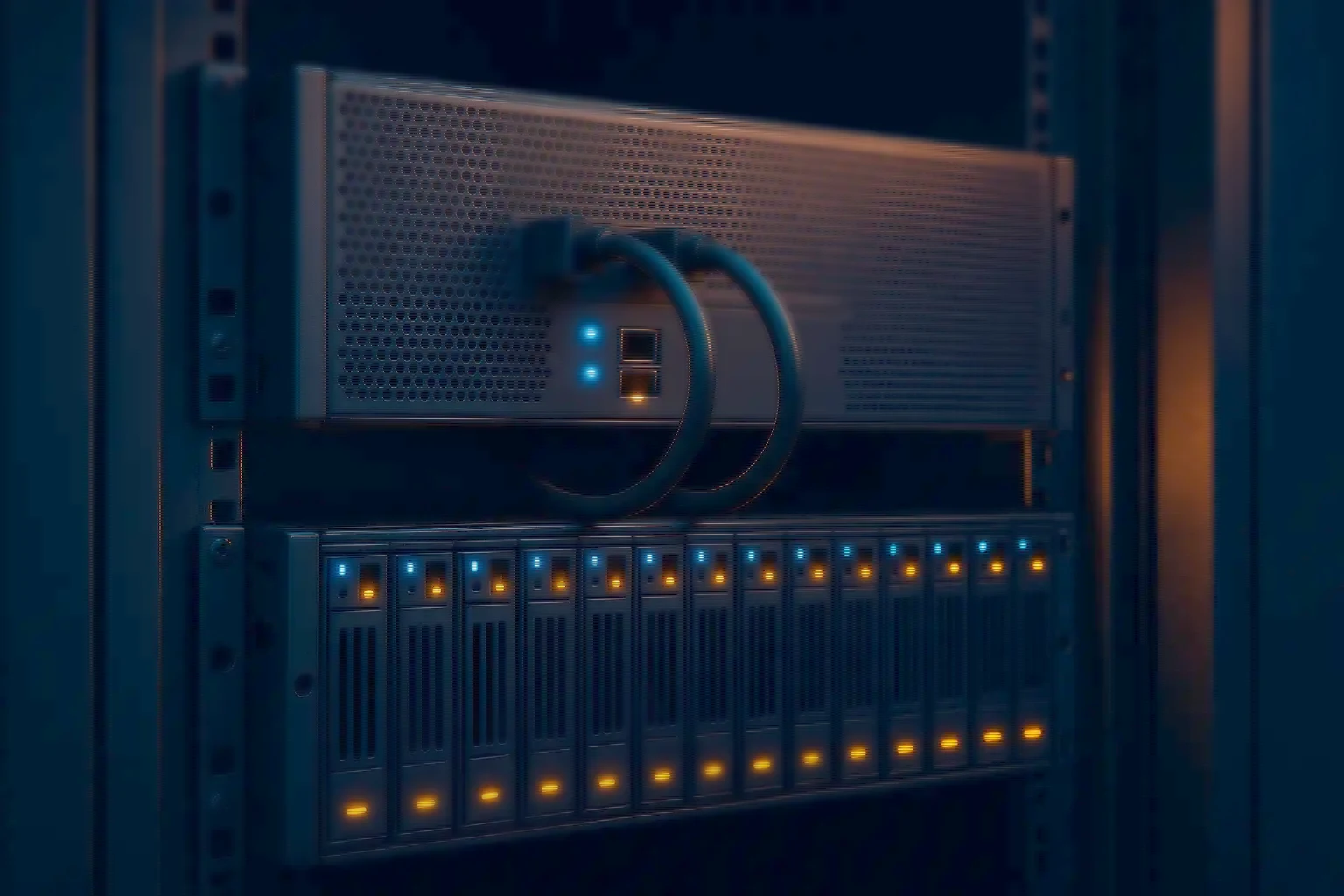
VMS Servers · 8–24 bays · Xeon + LSI cache
Video management servers
High-throughput camera ingest, 24×7 recording and long-term retention. 8, 12, 16 or 24 hot-swap bays with LSI RAID and cache, or diskless for SAN, NAS and object storage.
- Intel Xeon — Dual-socket Scalable
- LSI RAID + cache — Write-back support
- 8 / 12 / 16 / 24 bays — Or diskless
- 10G / 25G / 100G — LACP ready
- Redundant PSU — Hot-swap fans
Built for the write
Optimised for ingest, storage and uptime
Recording is a sustained write load, not a bursty one. The platform is chosen around that fact rather than around a benchmark score.
- Optimised for ingest — Intel Xeon platforms tuned for sustained write throughput, LSI RAID controllers with cache for smooth recording, ECC DDR4 and DDR5, hot-swap bays and enterprise cooling.
- Flexible storage — 8, 12, 16 or 24 bays in SAS, SATA or NVMe, or diskless builds for SAN, NAS and object storage — capacity scales without changing the compute.
- Networking and uptime — 10G, 25G and 100G NICs with LACP, redundant PSUs, hot-swap fans, and remote management over industry-standard IPMI and Redfish.
How to size it
Four inputs decide the configuration
Everything else follows from these four. Get them right and the footage is there on the day somebody asks for it.
- Cameras and bitrate — total ingest in Mbps drives CPU, RAID and NIC selection
- Retention days — determines bay count, drive size and RAID level
- Recording profile — continuous versus motion-based changes the capacity materially
- Uptime and SLA — dual PSUs, RAID 6 or 10, and spare drives held on site
Typical starting points
Where a site of each scale usually lands
- Small — up to 80 cameras — Suggested chassis: 8–12 bays. RAID: RAID 5 / 10. NIC: Dual 10G
- Mid — 80 to 250 cameras — Suggested chassis: 12–16 bays. RAID: RAID 6 / 10. NIC: Dual 25G
- Large — 250 cameras and above — Suggested chassis: 16–24 bays. RAID: RAID 6 / 60. NIC: 25G / 100G
Starting points, not answers. Final sizing depends on codec (H.264 or H.265), resolution, frame rate, scene complexity and recording profile.
Storage architecture
Where the recording actually lands
The RAID layer is the part of a recording server that decides whether ingest stays smooth under load. Controllers with cache and write-back support absorb the burst behaviour that a camera estate produces even when the average rate looks comfortable.
Bay scalability comes from SAS expanders rather than from replacing the chassis, and an NVMe tier can be added for the VMS database and metadata so that queries do not compete with the recording write path.
- LSI RAID controllers with cache and write-back support
- SAS expander support, so bay count scales without a new chassis
- Optional NVMe tier for the VMS database and metadata
- Diskless variants where SAN, NAS or object storage holds retention
- balanced default
- higher write performance
- for very large pools
- for database and metadata
Software and security
What it runs, and how it is managed
- VMS compatibility — Tested and compatible with the leading VMS vendors deployed in India, with validated builds available on request.
- Operating system — Windows Server or Linux variants, following the guidance of the VMS vendor you have chosen.
- Security — Firmware signing and secure boot options, with remote management over IPMI and Redfish standards.
- Monitoring — SNMP integration so recording nodes report into an existing NOC rather than being watched separately.
Technical specifications
The configurable surface
- Chassis — Options and details: 8 / 12 / 16 / 24 bays, hot-swap; diskless variant available
- Processors — Options and details: Intel Xeon Scalable, dual-socket
- Memory — Options and details: ECC DDR4 and DDR5, high capacity
- RAID — Options and details: LSI controllers with cache — RAID 0, 1, 5, 6, 10, 60
- Drives — Options and details: Enterprise SAS and SATA HDDs; optional SSD and NVMe tiers
- Networking — Options and details: 2×10G, 2×25G or 100G; LACP and teaming support
- Power — Options and details: Redundant hot-swap PSUs, Platinum efficiency
- Management — Options and details: IPMI and Redfish with virtual console
- Operating system — Options and details: Windows Server or Linux, per VMS vendor
- Warranty — Options and details: Standard next-business-day with upgradeable SLA; spares stocking
VMS server questions
Three that come up every time
- Local bays or diskless? — Answer: Local bays when on-premise retention is required or bandwidth to central storage is constrained. Diskless when connecting to SAN, NAS or object storage over high-speed links.
- Which RAID level for recording? — Answer: RAID 6 is a balanced default for capacity and resilience. RAID 10 gives higher write performance. For very large pools, consider RAID 60.
- Can I add GPUs later? — Answer: Yes, but VMS workloads rarely need them. If analytics will run on the same box, an AMD EPYC analytics server is the better starting point.
Request sizing
What to send us
Camera count, codec (H.264 or H.265), bitrate, retention days and the network details. With those we reply with a bill of materials and the options around it.
If the estate is being planned rather than replaced, the retention arithmetic is worth doing before the camera specification is locked — it is the input that most often moves the budget after the fact.
Size it first
Work the numbers before you specify
The calculators run the same arithmetic our engineers do, so you can arrive with a starting configuration rather than a blank page.
- NVR storage & retention — Camera count, codec, bitrate and retention days to the storage you actually need.
- RAID capacity planner — Usable capacity, redundancy overhead and rebuild exposure across RAID levels.
- All sizing tools — Six calculators running the same arithmetic our engineers do.