Endpoints · OPS
OPS modules — the computer inside the screen
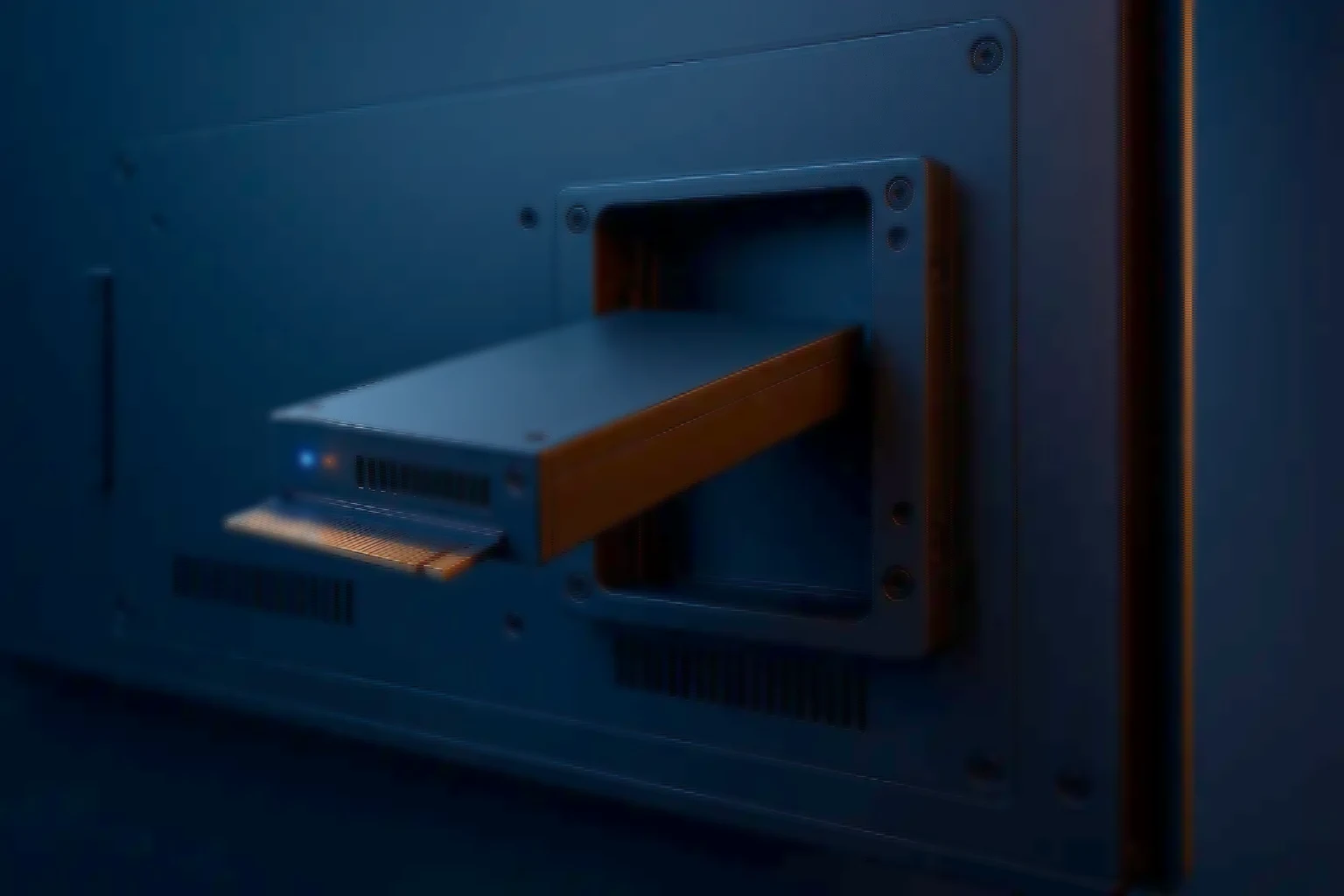
An OPS module is a slot-in computer that slides into a bay in the back of a display. The Open Pluggable Specification fixes the dimensions and the connector, so panel and compute are bought separately and a module is replaced in minutes without the screen leaving the wall.
- Slots into the panel — No external box
- Swap in minutes — Screen stays on the wall
- Standard bay — Module and panel decoupled
- Sized per tier — Signage to analytics
- Burn-in tested — 24 to 72 hours
The format
The computer goes inside the screen, and that is the whole point
An OPS module is a slot-in computer that slides into a bay in the back of a display. Open Pluggable Specification fixes the dimensions and the connector, so the module and the panel are bought separately and neither one traps you into the other.
The alternative is a small PC cable-tied behind the screen with a power brick, an HDMI lead and a network cable finding their own way to it. That works, and every estate that has done it has the same three problems: the cables get pulled, the box is the thing people steal, and replacing it means someone on a ladder with a screwdriver in a room full of people.
OPS removes all three by removing the cabling. Power and video cross the connector, the module is inside the enclosure, and a replacement is a slide-out and a slide-in — with the panel never leaving the wall.
Where it earns its place
Screens that must not be dark, in rooms with no engineer
- Digital signage — Retail, transport and campus displays where the content is remote and the box behind the screen only has to be reliable and invisible.
- Classrooms and interactive panels — Where a failed unit has to be replaced between periods, by someone who is not an engineer, without dismantling the mount.
- Wayfinding and information boards — Public-facing screens in stations, hospitals and offices, usually in places where a visible PC would be tampered with.
- Control rooms and dashboards — Wall displays showing operational views continuously, where the swap-in-minutes property is what keeps a wall complete during a fault.
Six decisions
OPS is a shape, not a performance class
OPS is a shape, not a performance class. The modules that fit the same bay range from a signage player to something that runs analytics on the screen's own feed.
- What is actually rendered — What it changes: A looping playlist, a browser dashboard and a live analytics overlay are three different performance tiers in the same enclosure.
- Display count and resolution — What it changes: One 4K panel and a two-screen video wall segment do not want the same graphics capability or the same outputs.
- Thermal envelope — What it changes: The bay is inside a sealed panel. Fanless runs silent and dust-tolerant; a fan buys performance and needs the environment to deserve it.
- Connectivity — What it changes: Wired ethernet where it exists, WiFi where it does not, and whether the estate needs both as a fallback.
- Management — What it changes: How a hundred screens get patched, restarted and monitored without a visit — decided before deployment, not after the first outage.
- Operating system and lifecycle — What it changes: Which OS, how long it is supported, and whether the module will still be replaceable with an identical unit in three years.
Why built-to-order
A sealed panel is a poor place to find a faulty component
- Sized to the content — Performance chosen for what the screen actually renders, rather than a single tier sold to every estate regardless of workload.
- What the burn-in is looking for — CPU, memory and storage stress with thermal checks and a SMART review. A module sealed inside a panel is the worst place to discover a marginal component.
- Configurations that hold — A recorded firmware and image baseline, so the module you add to site forty is the module that is already at site one.
- Spares planned with the rollout — For a fleet of screens the replacement strategy is the deployment strategy — held spares, and a swap anyone on site can perform.
- Built, tested and supported here — Integrated and manufactured in India, burn-in tested before dispatch, and covered by the warranty and response terms set out on the services page — the same for every machine we build.
- Beside the rest of the endpoint estate — OPS rarely arrives alone — it lands with thin clients, mini PCs and all-in-ones, and the sensible conversation sizes them together.
Straight answers
Fit, cost, and reusing modules when a screen changes
- Will any OPS module fit any display? — Answer: Any display with an OPS bay, yes — that is what the specification is for. What varies is the power the bay can deliver and the thermal headroom inside the panel, which is worth checking against the module tier.
- Is it more expensive than a mini PC? — Answer: Per unit, usually a little. Per incident over five years, usually less: no cables to pull, no box to steal, and a replacement that takes minutes without dismounting the screen.
- Can we reuse modules when we replace screens? — Answer: Yes, and that is one of the better arguments for the format. The panel and the compute are on different refresh cycles and OPS lets them stay that way.
- What about video walls? — Answer: A segment at a time, usually — one module driving the outputs it can drive properly, rather than one machine driving a wall and becoming a single point of failure.
- Who supports them? — Answer: We do. The warranty span and the response terms are the same for every machine we build, and they are set out in full on the services page.
The rest of the estate
What arrives with the screens
The rest of the estate behind the screens.
- Compact PCs — Mini, NUC, SFF and all-in-one for desks, counters and cabinets.
- Thin clients and endpoints — Zero and thin clients for VDI estates, with no local OS to patch.
- Industrial and edge — Fanless platforms for cabinets where the ambient range is the specification.