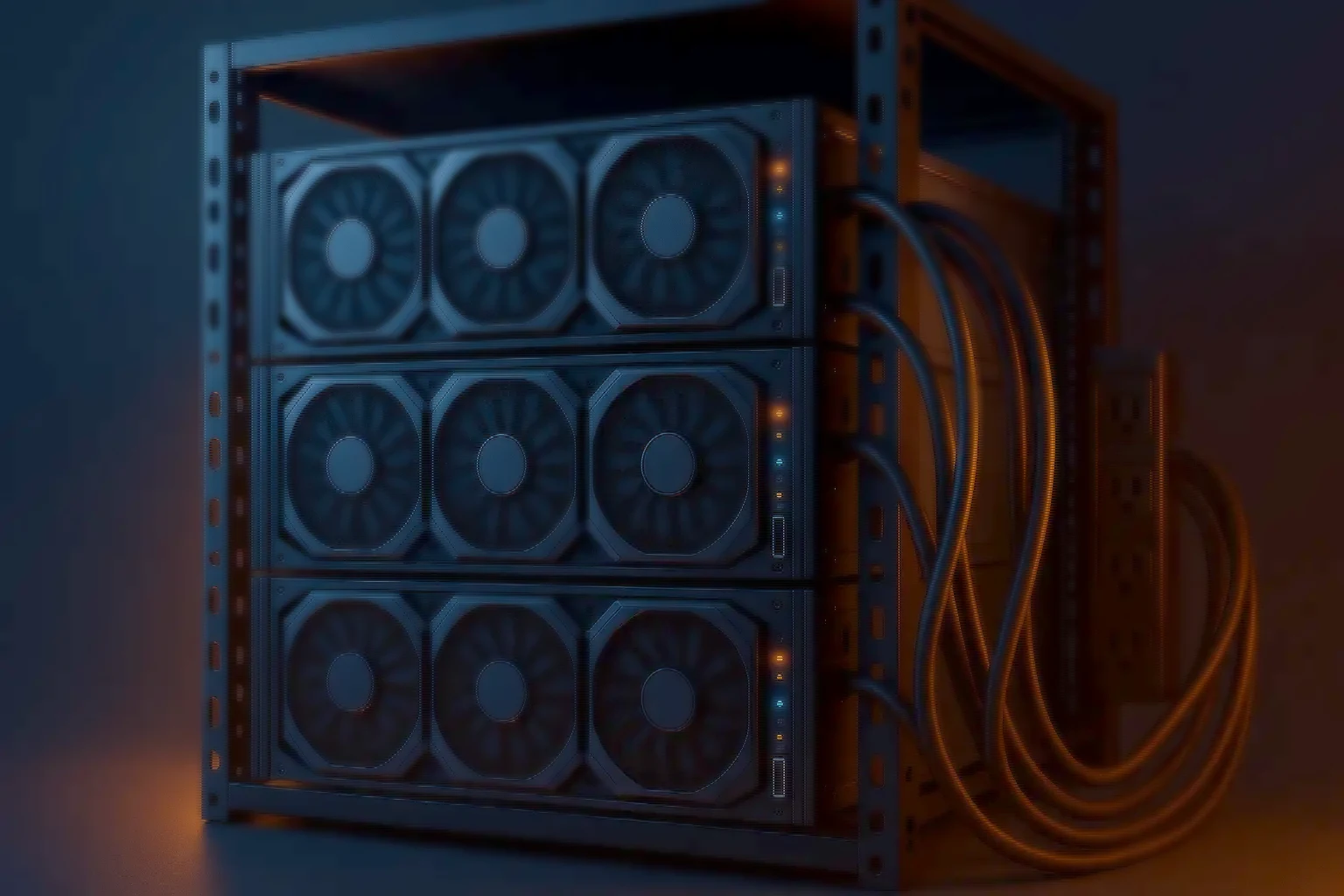
Video Analytics · AMD EPYC · GPU-dense
AI video analytics servers
Motion detection, number plate recognition, behaviour analysis, crowd monitoring and anomaly detection. AMD EPYC with high-density GPU support, in 8 to 24 bay or diskless builds.
- AMD EPYC — Multi-socket
- Up to 5 SFF GPUs — Or 4 dual-module
- PCIe Gen4 / Gen5 — Lanes for throughput
- 8–24 bays — Or diskless
- 10G / 25G / 100G — Ingest and output
Built for GPU load
Density, storage and uptime
Analytics is a GPU problem wearing a surveillance label. The platform is chosen for how many accelerators it can actually feed.
- GPU density — SFF GPUs up to 5 single or 4 dual-module, support for NVIDIA RTX or AMD Radeon in 3U and 4U, and PCIe Gen4 and Gen5 lanes for maximum throughput.
- Flexible storage — 8, 12, 16 or 24 hot-swap bays, diskless builds for SAN, NAS and object storage, and NVMe options for metadata acceleration.
- Networking and uptime — 10G, 25G and 100G NIC options, redundant PSUs, hot-swap fans, and remote management over IPMI and Redfish.
How to size it
Four inputs decide the GPU count
Stream count and model complexity set the accelerator requirement; retention and networking follow from what the node is also doing.
- AI workload — number of streams, model complexity and frame rate define GPU count
- Use cases — motion detection, ANPR, people counting, behaviour monitoring, anomaly detection
- Retention days — determines bay count, drive size and RAID level where storage is local
- Networking — plan NICs for ingest and analytics output, not just for ingest
Typical GPU guidance
Where deployments of each scale land
- Entry — GPUs: 1–2 RTX or Radeon. Use case: Small site motion detection and number plate recognition
- Mid — GPUs: 3–4 GPUs. Use case: Object recognition and people counting
- High — GPUs: 5+ GPUs (SFF). Use case: Crowd analysis, anomaly detection and complex AI models
Guidance, not a rule. Model complexity and frame rate move these numbers more than camera count does.
What it is used for
The workloads these nodes actually run
Motion detection, number plate recognition, behaviour analysis, crowd monitoring and anomaly detection — the analytics that turn a recording estate into something that raises an alert rather than something you search after the fact.
With the right GPU sizing these servers run ANPR models in real time, which is what smart traffic management and law enforcement applications depend on. The sizing is the difference between real time and nearly real time, and only one of those is useful at a barrier.
- Automatic number plate recognition for traffic and enforcement
- Object detection, classification and people counting
- Behaviour analysis, crowd monitoring and anomaly detection
- Combined VMS and analytics on one node, for smaller deployments
- with the GPU sized for it
- add GPUs, then add nodes
- where storage is central
- for metadata operations
Software, storage and security
What it runs, and how it is managed
- Analytics frameworks — Compatible with the leading video analytics frameworks used in India, with validated deployments available on request.
- Operating system — Windows Server or the major Linux distributions — Ubuntu, RHEL, CentOS — depending on the analytics framework you intend to run.
- Storage and RAID — RAID options where local storage is used, SAS expanders for bay scalability, and an NVMe tier for fast metadata operations.
- Security and management — Firmware signing and secure boot, IPMI and Redfish remote management, and SNMP or RESTful integration with a NOC.
Technical specifications
The configurable surface
- Chassis — Options and details: 8 / 12 / 16 / 24 bays, hot-swap; diskless variant available
- Processors — Options and details: AMD EPYC, multi-socket
- Memory — Options and details: ECC DDR4 and DDR5, large capacity
- GPU — Options and details: SFF GPU modules — 5 single or 4 dual; RTX or Radeon GPUs in 3U and 4U
- Drives — Options and details: Enterprise SAS and SATA HDDs; optional SSD and NVMe tiers
- Networking — Options and details: 2×10G, 2×25G or 100G; LACP and teaming support
- Power — Options and details: Redundant hot-swap PSUs
- Management — Options and details: IPMI and Redfish with virtual console
- Operating system — Options and details: Windows Server or Linux distributions
- Warranty — Options and details: Standard next-business-day with upgradeable SLA; spares stocking
Analytics server questions
The ones that decide the build
- How many GPUs do I need? — Answer: It depends on stream count and model complexity. Entry deployments run on 1–2 GPUs; smart city scale projects may need 5 or more SFF GPUs.
- Can I combine analytics and VMS? — Answer: Yes. Smaller deployments run both on one EPYC server with GPUs. At higher scale we recommend dedicated nodes.
- Do I need local storage bays? — Answer: Not always. Many analytics servers are deployed diskless where storage is centralised. Local bays help when ingest and analytics run on the same node.
- Can these run ANPR? — Answer: Yes. With the right GPU sizing, number plate recognition runs in real time, supporting smart traffic management and enforcement applications.
- Which operating systems are supported? — Answer: Windows Server and the leading Linux distributions — Ubuntu, RHEL, CentOS — depending on the analytics framework.
- How scalable is it? — Answer: Start with a single GPU server and scale by adding GPUs or additional nodes. Networking and storage options are designed to scale with the deployment.
Request sizing
What to send us
Stream count, the analytics models you intend to run — number plate detection, behaviour monitoring, whatever the project calls for — the frame rate you need them at, and the retention requirement.
With those we size the GPU and storage configuration rather than quoting a chassis. The GPU count is the expensive decision, and it is the one most often made on a guess.
Size it first
Work the numbers before you specify
The calculators run the same arithmetic our engineers do, so you can arrive with a starting configuration rather than a blank page.
- Video analytics GPU sizing — Streams, models and frame rate to a GPU count that holds under real load.
- NVR storage & retention — Camera count, codec, bitrate and retention days to the storage you actually need.
- All sizing tools — Six calculators running the same arithmetic our engineers do.