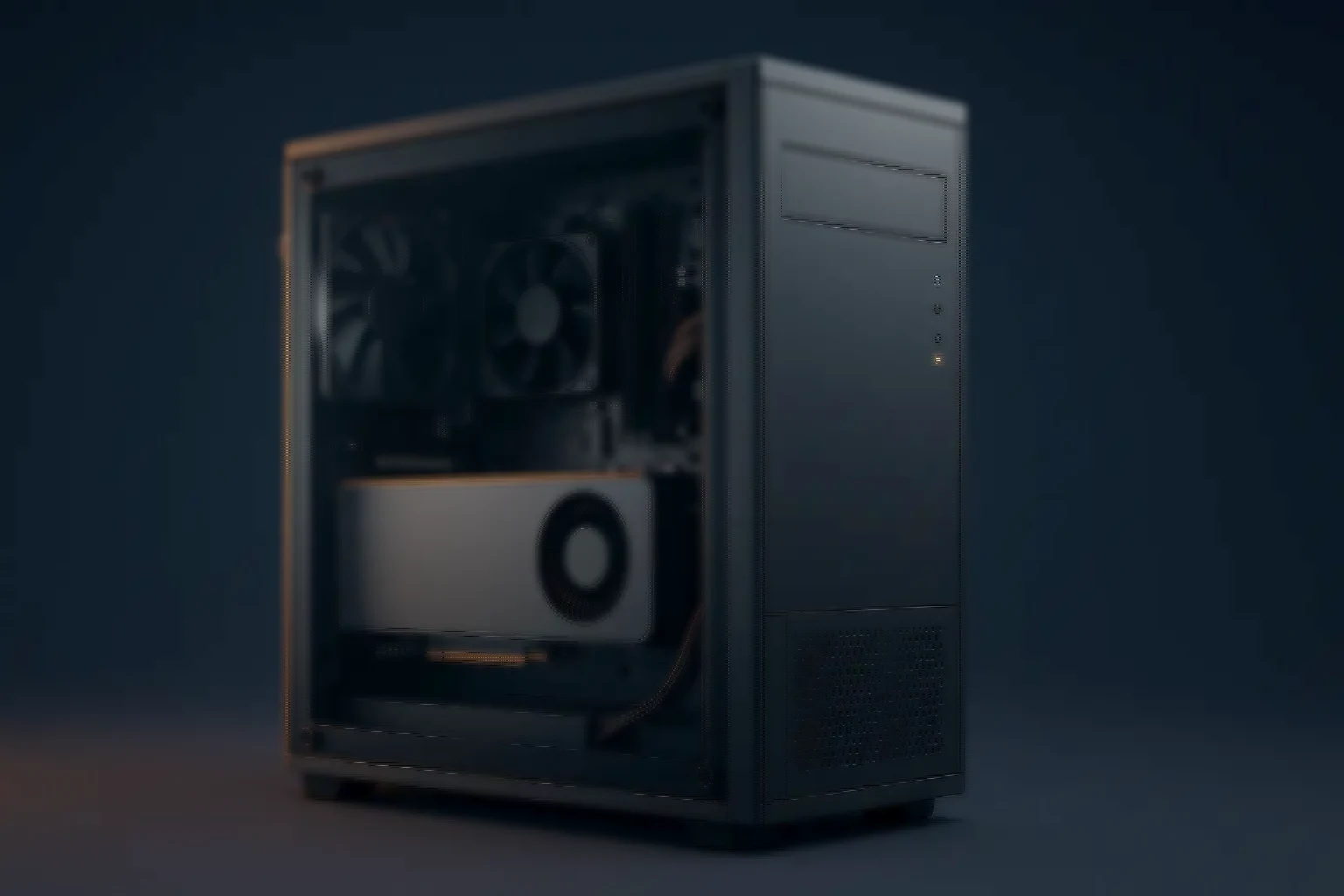
Workstations · High Performance
High performance workstations — CAD, simulation, data science
High-core CPUs with professional GPUs, fast NVMe tiers and large memory, for complex CAD assemblies, multi-physics simulation and exploratory data analysis.
- ISV aligned — Certified drivers
- DDR5 ECC — Recommended
- NVMe boot + scratch — Separated tiers
- RTX / Radeon Pro — Professional GPUs
- iBMC / IPMI class — Where available
About high performance workstations
Engineered for compute-intensive desktop work
From complex CAD assemblies to multi-physics simulation and exploratory data analysis, these pair high-core CPUs with professional GPUs, fast storage and a lot of memory.
The workloads differ from each other more than they resemble office work. A CAD viewport wants single-thread speed and a certified GPU; an FEA solver wants cores and RAM and may not use the GPU at all. Specifying one machine for both is how engineering teams end up disappointed with a fast computer.
So the sizing conversation starts with the ISV list, not with a processor family.
Built for demanding applications
Four workloads, four different machines
- CAD / CAE — Optimised for Autodesk, SolidWorks, CATIA and ANSYS — strong single-thread performance and certified GPUs for viewport behaviour.
- Simulation — Multi-core CPUs, ample RAM and NVMe scratch for FEA and CFD solvers and EDA toolchains.
- Data science — Fast NVMe and high memory, with optional GPU acceleration for Python and R notebooks and local ML experiments.
- Visualisation — RTX or Radeon Pro with large VRAM for real-time rendering and complex scenes.
The platform
What the specification covers
- CPU — Intel Xeon, AMD Ryzen Pro or AMD EPYC, as the workload demands
- Memory — DDR5, ECC recommended, in configurable capacities
- Graphics — NVIDIA RTX or Quadro, or AMD Radeon Pro, with ISV-grade drivers
- Storage — NVMe boot, NVMe scratch, plus SATA or SAS for capacity
- Management — iBMC or IPMI class features where the platform offers them
- Cooling — sized for sustained solver load, not for a benchmark burst
Performance profiles
Four starting points, by workload
Indicative figures. Final configurations depend on the ISV, dataset sizes and project constraints.
- CAD viewport — CPU: High-clock 8–16 cores. GPU: RTX or Radeon Pro, mid-tier. Memory: 32–64GB. Primary storage: 1× NVMe. Use case: SolidWorks, Inventor, Revit
- Simulation — CPU: 24–64 cores. GPU: Optional. Memory: 64–256GB. Primary storage: 1–2× NVMe + SATA. Use case: FEA, CFD, EDA
- Visualisation — CPU: 16–32 cores. GPU: High-end RTX, or dual GPU. Memory: 64–128GB. Primary storage: 2× NVMe. Use case: Rendering, visualisation, large scenes
- Data science — CPU: 16–32 cores. GPU: VRAM-rich RTX, optional. Memory: 64–128GB. Primary storage: 2× NVMe. Use case: Notebooks, ETL, model prototyping
Why the storage layout matters
Two NVMe drives beat one fast one
We suggest separate NVMe drives for OS and applications, and for scratch and projects. It sounds like a detail and it is the difference between a solver running at full speed and one competing with the operating system for I/O during a long job.
The same logic applies to memory. ECC is recommended for engineering and scientific work because a memory-induced error in a twelve-hour solve does not announce itself — it produces an answer that is simply wrong.
- NVMe boot kept separate from NVMe scratch, to avoid I/O contention
- ECC memory recommended for long-running computation
- Core count matched to the solver, clock speed to the viewport
- ISV-certified GPU drivers rather than the latest consumer release
- on its own NVMe
- on a second NVMe
- on SATA or SAS
- recommended throughout
High performance workstations — FAQ
What engineering teams ask
- Do I need ECC memory? — Answer: It is recommended for engineering and scientific workloads, to reduce the risk of memory-induced computation errors and improve stability.
- Which GPU should I choose? — Answer: For CAD viewports, certified RTX or Radeon Pro cards. For rendering or heavy visualisation, higher-end RTX with larger VRAM. For simulation, the GPU may be optional depending on the solver.
- How much NVMe storage do I need? — Answer: Separate NVMe drives for OS and applications, and for scratch and projects, to avoid I/O contention during heavy workloads.
At a glance
The high performance envelope
- at the simulation profile
- memory where solvers need it
- certified graphics drivers
- OS and scratch separated
Size it first
Work the numbers before you specify
The calculators run the same arithmetic our engineers do, so you can arrive with a starting configuration rather than a blank page.
- GPU & AI server sizing — Model size, batch size and dataset in; GPU count, memory, storage and fabric out.
- All sizing tools — Six calculators running the same arithmetic our engineers do.
Related range
The rest of the workstation range
Lighter, or more specialised.
- High-end desktops — The class below a certified workstation — specified against the work rather than a vendor's list.
- Office workstations — Productivity and fleet manageability, quiet enough for open-plan floors.
- Graphics workstations — VRAM-rich professional GPUs and a 10-bit colour pipeline.
- GPU workstations — Multi-GPU parallel compute for deep learning and path tracing.