Workstations · GPU
GPU workstations — AI/ML, rendering, compute
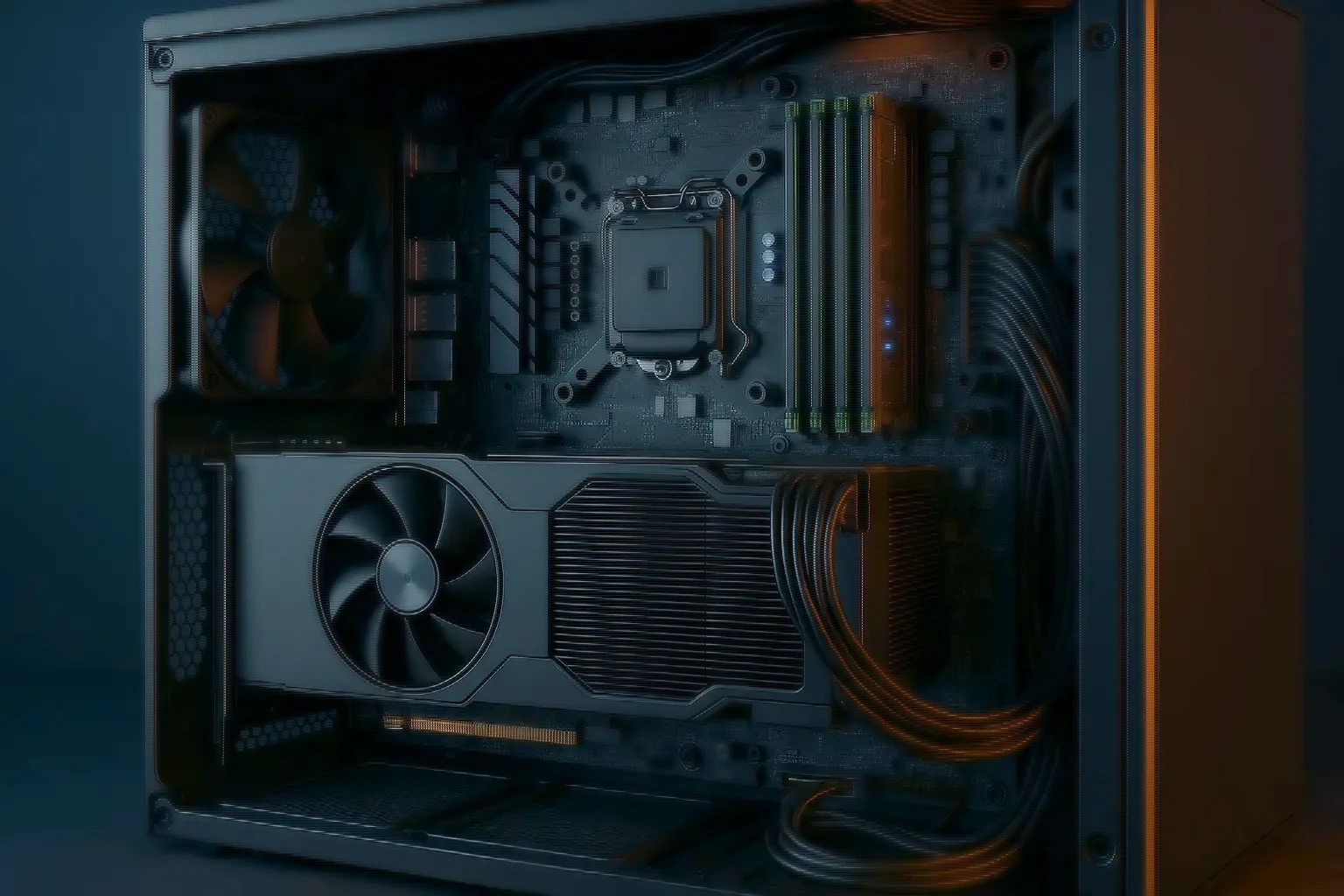
Multi-GPU workstations for deep learning, path tracing and CUDA pipelines, built for sustained throughput with high-watt PSUs and tuned thermals.
- Multi-GPU — Typically 1–4
- High-watt PSUs — Sized for peak draw
- Tuned thermals — Liquid cooling optional
- DDR5 ECC — Up to 512GB+
- NVMe tiers — OS and scratch
About GPU workstations
Parallel compute, at the desk
From deep learning to path tracing and CUDA-accelerated pipelines, these are designed for throughput and stability rather than for a peak figure.
How many GPUs a chassis can actually run is decided by three things at once — the chassis, the PSU and the motherboard's PCIe lanes. Typical builds support one to four, and we validate power and thermals before committing to a count rather than after.
The stability half matters as much as the throughput half. A training job that runs for two days is a different test of a machine than a benchmark that runs for two minutes.
Designed for parallel workloads
Four jobs these machines take on
- AI and deep learning — Multi-GPU with high VRAM, fast NVMe scratch, and builds ready for PyTorch and TensorFlow.
- GPU rendering — Path-tracing and real-time engines, which benefit from dual or quad GPUs and large VRAM.
- Compute and simulation — CUDA and OpenCL acceleration for compute kernels, with PCIe Gen4 and Gen5 bandwidth behind them.
- Data science — Fast ETL and model prototyping, with NVMe tiers and memory headroom.
The platform
What the specification covers
- CPU — high-core Intel Xeon, AMD Ryzen Pro or EPYC, as the platform demands
- GPU — NVIDIA RTX in workstation or data-centre form, or AMD GPUs on request
- Memory — DDR5, ECC recommended, up to 512GB and beyond depending on platform
- Storage — 2× NVMe for OS and scratch, plus SATA or SAS for datasets
- Power and cooling — high-watt PSUs, airflow-optimised chassis, optional liquid cooling
Configuration profiles
Four starting points, by workload
Indicative. We align GPUs to the framework, VRAM requirement, thermals and power delivery constraints.
- AI starter — CPU: 16–24 cores. GPU: 1× RTX 24GB. Memory: 64–128GB. Storage: 2× NVMe. Use case: Prototyping, fine-tuning
- AI pro — CPU: 24–32 cores. GPU: 2× RTX 24–48GB. Memory: 128–256GB. Storage: 2× NVMe + dataset SATA. Use case: Training, batch inference
- Render pro — CPU: 16–32 cores. GPU: 2–4× high-end RTX. Memory: 128GB. Storage: 2× NVMe + cache. Use case: GPU path-tracing, real-time visualisation
- Compute — CPU: 32–64 cores. GPU: 1–2× compute GPUs. Memory: 128–256GB. Storage: 2× NVMe. Use case: CUDA and OpenCL kernels
Power and thermals
The two constraints that decide GPU count
Adding a GPU is rarely limited by slots. It is limited by whether the PSU can supply peak draw with the rails stable, and whether the chassis can move the resulting heat without the cards throttling each other.
Both are validated before a build is committed. A four-GPU machine that thermally throttles to the throughput of three is worse than a three-GPU machine, because you paid for four and have to explain why it does not behave like four.
- High-watt PSUs sized for peak GPU draw, with rail stability validated
- Airflow-optimised chassis, with liquid cooling where the density calls for it
- ECC memory recommended for long-running training and compute jobs
- GPU interconnect advised on framework and model size, not assumed
- NVMe scratch kept off the OS drive, so dataset reads do not stall the system
- GPUs in typical builds
- memory on some platforms
- cooling optional
- power and thermals first
GPU workstations — FAQ
What buyers ask before committing
- How many GPUs can I run? — Answer: It depends on the chassis, the PSU and the motherboard's PCIe lanes. Typical builds support 1 to 4, and we validate power and thermals before confirming a count.
- Do I need ECC memory? — Answer: It is recommended for long-running training and compute jobs, to minimise instability from memory errors.
- Is NVLink required? — Answer: Some workloads benefit from fast GPU interconnects. We advise based on your framework and model sizes rather than fitting it by default.
At a glance
The GPU workstation envelope
- in a typical top build
- memory at the AI pro profile
- PCIe bandwidth
- imaged and ready
Size it first
Work the numbers before you specify
The calculators run the same arithmetic our engineers do, so you can arrive with a starting configuration rather than a blank page.
- GPU & AI server sizing — Model size, batch size and dataset in; GPU count, memory, storage and fabric out.
- All sizing tools — Six calculators running the same arithmetic our engineers do.
Related range
Related platforms
At the desk, or in the rack.
- Graphics workstations — Colour-critical creative work with certified professional GPUs.
- Tower GPU AI servers — A server platform in a tower chassis, with out-of-band management.
- Rack GPU AI servers — Two to six GPUs per node when the work moves into a rack.