Workstations · High-end desktops
High-end desktops — specified against the work
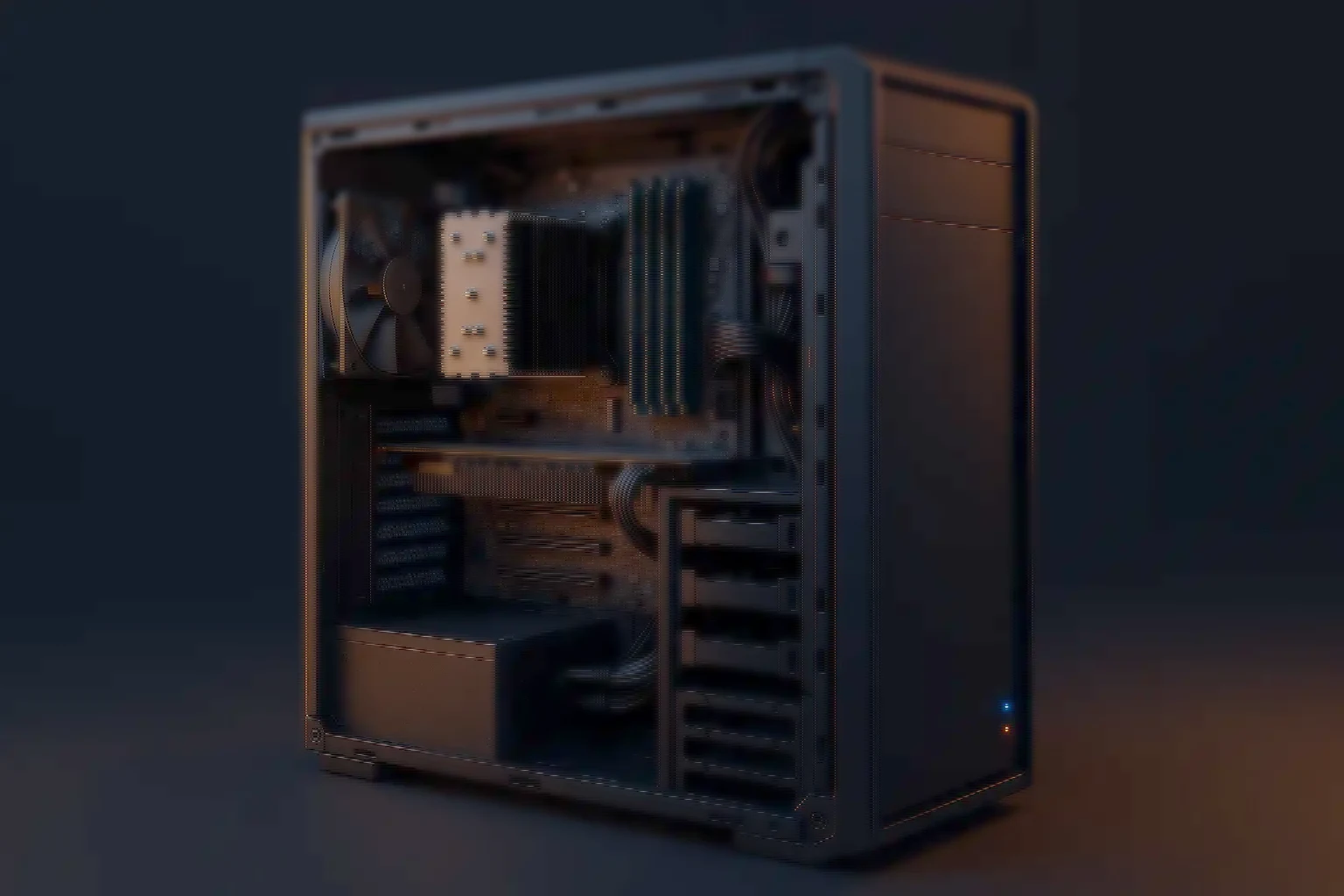
A high-end desktop is the machine for work that has outgrown an office PC but does not require an ISV-certified workstation. More cores or faster ones, a professional or high-tier GPU, memory sized for the dataset and storage in tiers — specified against the work rather than a certification list.
- High core count — Or high clocks, not both
- Professional GPUs — Where the software asks
- Large memory — ECC where it earns it
- Tiered NVMe — Scratch and project
- Burn-in tested — 24 to 72 hours
The class
Between a desktop that is fast and a workstation that is certified
A high-end desktop is the machine an individual sits in front of when the work outgrows an office PC but does not require an ISV-certified workstation. More cores than a desktop, more memory than a desktop, a professional or high-tier consumer GPU, and storage arranged in tiers rather than as one drive.
The distinction from a workstation is not power, it is certification and support model. A workstation is validated against the application vendor's list and sold on that validation; a high-end desktop is specified against the work. Where a licence, an audit or a support contract requires the certified platform, that is the requirement. Where it does not, the same money frequently buys a faster machine.
The distinction from a gaming PC is less about parts and more about intent: sustained load for hours rather than for a session, memory sized for a dataset rather than for a frame rate, and a build meant to be repaired in year four rather than replaced.
Who buys them
Four kinds of work that outgrow an office PC
- CAD and product design — Assemblies large enough that the model no longer fits comfortably in an office machine, where single-thread speed usually matters more than core count.
- Creative and post-production — Editing, colour and motion work, where the GPU, the memory and the scratch tier decide whether the timeline scrubs or stutters.
- Simulation and analysis — FEA, CFD, EDA and statistical work, where the core count is the throughput and the memory ceiling is the size of problem you can attempt.
- Local AI and data work — Model fine-tuning, inference and large notebooks on the desk rather than in a cluster, where VRAM is usually the binding constraint.
Five decisions
Five decisions, and which way each one cuts
Most disappointing high-end desktops were specified on the wrong axis — a machine bought for cores when the application wanted clocks, or for a GPU when the bottleneck was memory.
- Cores or clocks — Which way it cuts: Rendering, compilation and simulation scale with cores. CAD modelling, many EDA steps and most interactive work want fewer, faster ones. The application decides, and it is worth checking rather than assuming.
- ECC or not — Which way it cuts: ECC is justified when an undetected memory error would invalidate a long run or corrupt a deliverable. For interactive work that is saved and reviewed, it is often not the best use of the budget.
- GPU class and VRAM — Which way it cuts: Professional cards for certified applications and for large-memory work; high-tier consumer cards for everything else. VRAM is the ceiling that stops a job outright rather than slowing it.
- Memory ceiling, not memory fitted — Which way it cuts: The number that matters in year three is how much the platform ACCEPTS. Fitting half of a high ceiling is usually better than filling a low one.
- Storage tiers — Which way it cuts: A fast scratch volume separate from the project volume separate from the archive. One large drive is the arrangement that makes an expensive machine feel slow.
Why built-to-order
What a built-to-order machine gets that a retail one does not
- What the burn-in is looking for — CPU, memory and storage stress with thermal checks and a SMART review. A machine that runs at full load for eight hours a day is not tested by a ten-minute POST.
- Thermals designed for sustained load — Airflow specified for hours at full draw rather than for a benchmark run, which is the difference between rated clocks and actual ones.
- Configurations that repeat — A recorded baseline, so the fifth machine for the team is the same machine as the first — which matters when a studio or a lab supports its own fleet.
- Standard, replaceable parts — Catalogue components in a serviceable chassis, so a failure in year four is a part rather than a replacement.
- Built, tested and supported here — Integrated and manufactured in India, burn-in tested before dispatch, and covered by the warranty and response terms set out on the services page — the same for every machine we build.
- Listed on GeM — High End Desktops is one of the eight categories we are registered for as an OEM, so a department can buy the specified machine rather than the nearest catalogue item.
Straight answers
Whether this class is even the right one
- Should we buy a workstation instead? — Answer: If the application vendor's certification is a requirement — for support, licensing or audit — yes. If it is not, the same budget usually buys a faster machine in this class.
- Is ECC memory necessary? — Answer: Only when an undetected error would invalidate something expensive. Our knowledge base has a longer answer with the cases laid out.
- Consumer or professional GPU? — Answer: Professional where the application is certified against it or where you need the VRAM. High-tier consumer where neither applies, which is more often than the market implies.
- Can you match a specification we already have? — Answer: Yes, and we will also tell you where it is spending money on the wrong axis before we quote it.
- Can these be bought on GeM? — Answer: Yes — High End Desktops is one of our eight OEM categories, through direct purchase, bid or custom bid.
Either side of it
Where this class stops and the next one starts
One step either side of this machine.
- High-performance workstations — The certified tier, where the application vendor's list is the requirement.
- GPU workstations — Where the accelerator is the machine, for AI and visualisation on the desk.
- Compact PCs — Mini, NUC, SFF and all-in-one, where the desk has no room for a tower.